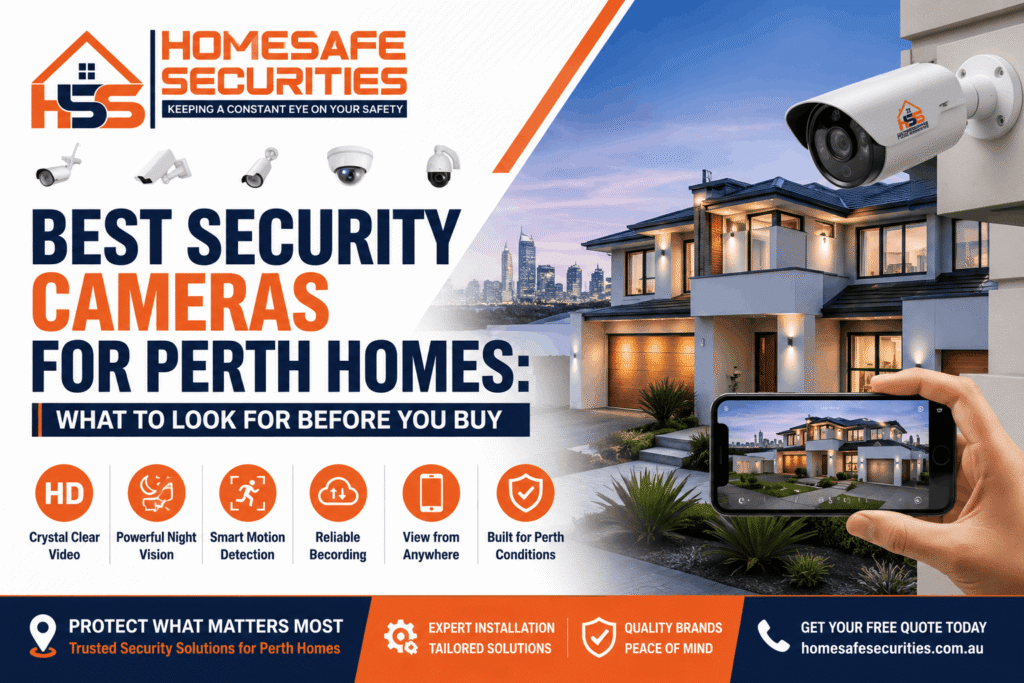
Buying security cameras for your home is one of those jobs where it’s easy to spend good money and still end up with footage that doesn’t help when it counts. Two cameras that look identical online can behave completely differently after dark, in a Perth summer, or at the exact moment you need to recognise a face or read a number plate. This guide walks through what to look for before you buy, so you choose cameras that suit your property the first time.
It’s worth taking seriously: according to the Australian Bureau of Statistics, the share of Australian households broken into rose to 2.1% in 2023–24 — about 218,000 homes — and one in five of those were broken into more than once. Security cameras can’t prevent every incident, but visible, well-placed cameras can help deter opportunistic activity and provide clearer evidence if something does happen.
Quick answer: What should you look for in a home security camera in Perth? Choose at least 4–6MP resolution, strong low-light or colour night vision, and a weatherproof rating of IP66 or higher for our heat and coastal air. Add smart person and vehicle detection to cut false alerts, match the camera type — bullet, turret, dome, PTZ or doorbell — to each spot, and buy from a brand that’s properly supported locally with a real warranty.
If you’re searching for security cameras Perth homeowners can rely on, the essentials are simple: clear night footage, weatherproof design, smart detection, and proper installation — matched to the right spot on your property rather than the cheapest camera used everywhere.
Start with the job each camera has to do, not the brand on the box
The best security camera isn’t a single model — it’s the one that does the specific job at a given spot on your property. A camera covering a long driveway needs different qualities to one watching a front porch, so decide what each location needs to capture first, then choose the camera to match.
It helps to think in three jobs: deter, detect, and identify. A camera on the street boundary mainly deters and detects movement, so wide coverage is fine. A camera at the front door needs to clearly identify faces and parcels, so detail matters far more than reach. Getting clear on the job at each spot is what stops you over-spending in one place and under-covering another — which is why most homes end up with a mix of camera types rather than five of the same.
A quick checklist before you compare models
Use this as a tick-list when you’re weighing up security cameras for your Perth home. Each point is explained in detail further down.
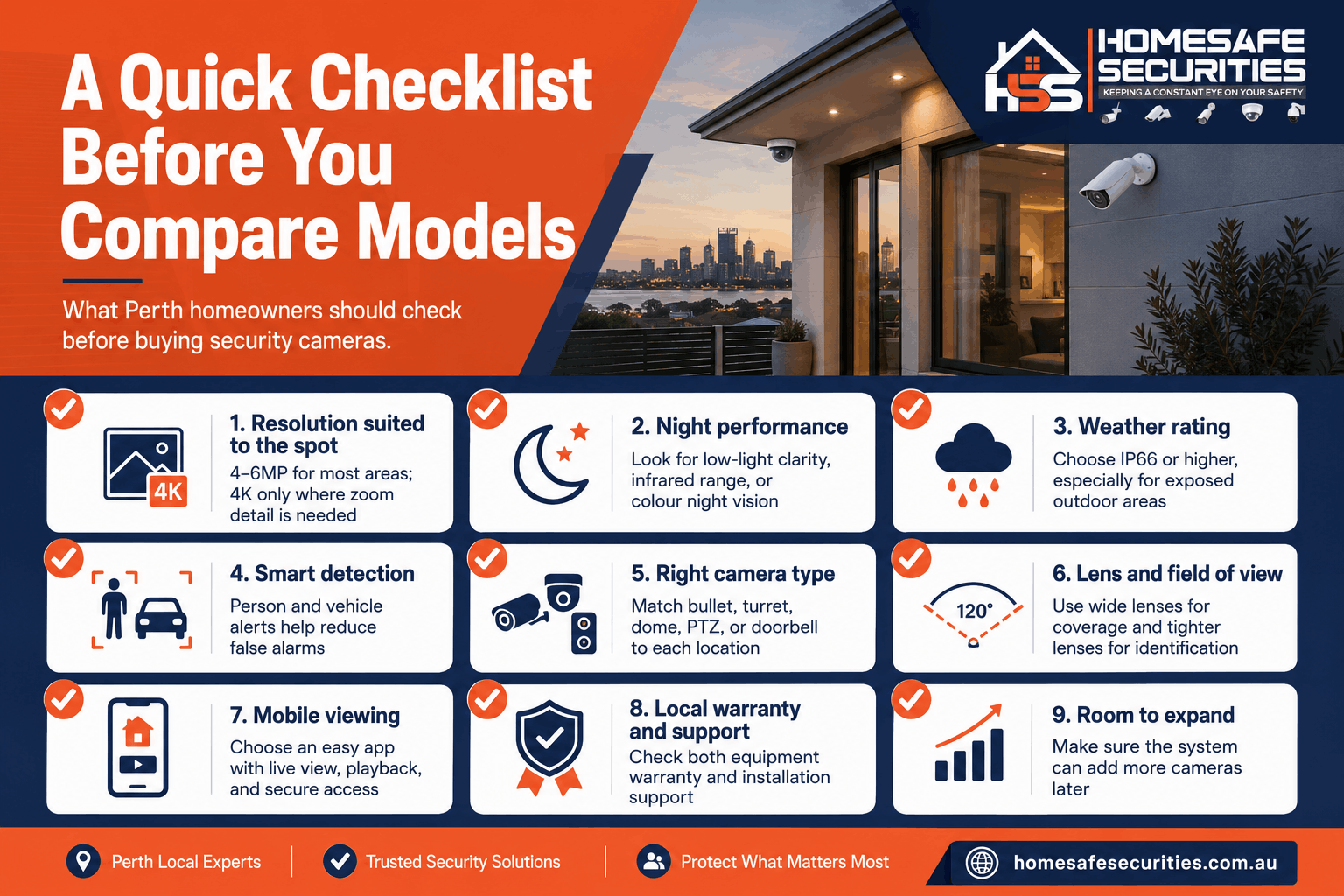
- Resolution suited to the spot — 4–6MP for most areas, 4K only where you’ll genuinely zoom in (like a long driveway).
- Night performance — a good low-light sensor, useful infrared range, or true colour night vision for the front of the house.
- Weather rating — IP66 or higher for exposed positions, and a corrosion-resistant housing near the coast.
- Smart detection — person and vehicle detection to cut false alerts from pets, trees and passing cars.
- The right camera type — bullet, turret, dome, PTZ or doorbell, matched to each location.
- Lens and field of view — wide for coverage, tighter or varifocal where you need to identify faces or plates.
- Mobile viewing — an easy app, live and recorded footage, and secure access for the family.
- Local warranty and support — both an equipment and a workmanship warranty, and someone local to call.
- Room to expand — spare capacity on the recorder so you can add a camera later without replacing everything.
Resolution and field of view: how much detail, over how much area
For most Perth homes, 4MP to 6MP cameras hit the sweet spot — sharp enough to identify faces and vehicles without filling your hard drive. 1080p (2MP) suits small, close areas on a tight budget, while 4K (8MP) is worth paying for only in wide spaces like long driveways where you’ll genuinely zoom in.
| Resolution | Roughly | Best suited to | The trade-off |
| 1080p (2MP) | Entry level | Small, close areas; tight budgets | Detail softens once you zoom in |
| 4MP | Mid range | General all-round home coverage | The best balance for most homes |
| 6MP | Higher detail | Detail-critical spots with some zoom room | Uses more storage |
| 4K (8MP) | Top end | Wide yards and long driveways | Highest storage use and cost |
A higher number isn’t automatically better. More megapixels means more storage used, and on cheaper cameras with small image sensors it can actually mean worse low-light performance. (For how resolution affects recording time and storage capacity, see our CCTV systems guide — here we’re focused on the camera itself.)
Field of view is the paired decision. A wide lens covers a whole backyard but spreads detail thin; a narrower or varifocal (adjustable-zoom) lens lets you pull in tight to read a face or plate at the gate. Match the lens to the distance you need to identify at, not just the area you’d like to see.
Pro tip from our installers: there’s a real difference between a camera that can see someone and one that can identify them. Detail drops off quickly with distance, so for any spot where you genuinely need to recognise a face or read a number plate — the front gate, the driveway entry — prioritise resolution and a tighter lens over wide coverage.
Low-light and night vision: where cheap cameras let you down
Most break-ins happen after dark, so night performance is one of the most important things to check — and the easiest to overlook from a daytime demo clip. Look at three things: the camera’s low-light sensor, its infrared (IR) range for pitch-black areas, and whether it offers true colour night vision. A camera that looks crisp at midday can be near useless at 2am without them.
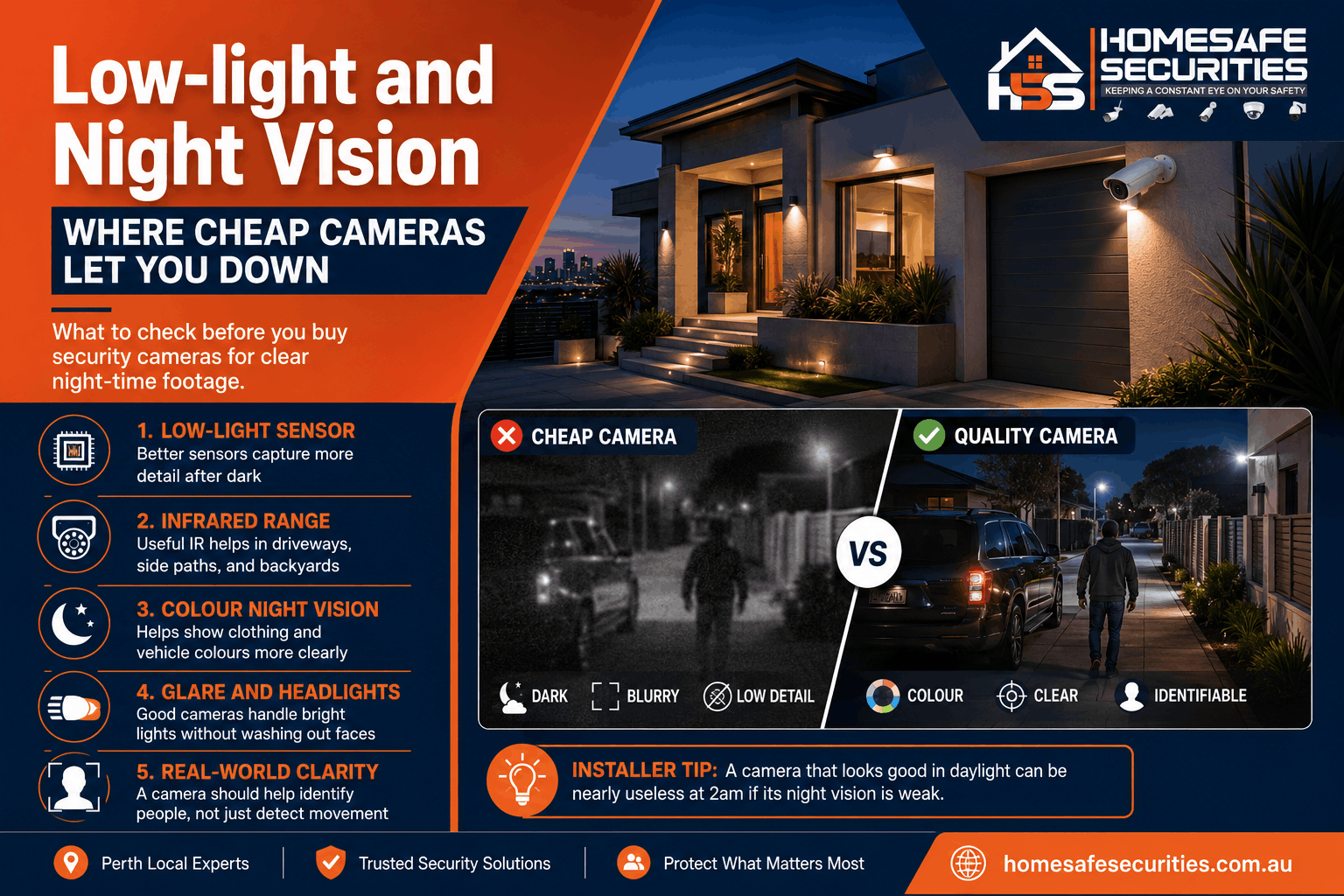
There are three night-time approaches worth knowing:
- Standard infrared (IR) night vision switches to black-and-white using invisible infrared light. It’s perfectly good for detecting movement and seeing shapes in total darkness.
- True colour night vision uses a more sensitive sensor plus a soft warm light to keep footage in colour at night. It’s far better when you need to describe clothing or a vehicle’s colour later.
- Wide dynamic range (WDR) helps a camera handle high-contrast scenes — a bright sky behind a shaded porch, or headlights swinging across a driveway — so faces aren’t lost in glare or shadow.
Pro tip from our installers: for the front of the house we often suggest a colour-night-vision camera with a built-in warm light. You get colour detail you can actually describe to police, and the light itself is a quiet deterrent — a lot of people turn straight back the moment a camera lights up as they approach.
Weatherproofing for Perth conditions: what IP ratings actually mean
Outdoor cameras here cop intense UV, 40-degree summers and, near the coast, salty air — all of which shorten the life of cheap hardware. Look for an IP66 weatherproof rating or higher for exposed positions, and for coastal suburbs, ask about a corrosion-resistant housing. The “IP” number simply tells you how well-sealed a camera is against dust and water.
The first digit covers dust (6 means fully dust-tight) and the second covers water:
| Rating | Protected against | Good for |
| IP65 | Dust + low-pressure water jets | Sheltered outdoor spots |
| IP66 | Dust + strong water jets | Most exposed outdoor areas |
| IP67 | Dust + temporary immersion | The harshest, most exposed positions |
Heat is the quieter problem. Cheap plastic housings warp and seals fail after a couple of Perth summers, so build quality matters as much as the rating on the box. Closer to the coast, salt air also corrodes mounts and connectors over time.
Pro tip from our installers: if you’re near the coast, ask specifically about corrosion-resistant housings and mount cameras under an eave rather than fully exposed where you can. It’s a small choice that adds years to a camera’s life in salt air.
Smart features worth paying for (and the ones you can skip)
The smart feature most worth having is AI person and vehicle detection — it tells the difference between a person and a swaying branch, a passing cat or a car on the street, so you stop getting woken up by false alerts. Two-way audio and active deterrence are genuinely useful too. Cloud subscriptions and novelty features often aren’t.
Worth having:
- Person and vehicle detection — fewer false alerts, smarter notifications, and far easier to search your footage later (“show me people, not leaves”).
- Two-way audio — talk to a courier or warn off a stranger from your phone.
- Active deterrence — a spotlight and/or siren that triggers on detection, so the camera stops trouble rather than only recording it.
Usually safe to skip:
- Ongoing cloud-storage fees, if your system records locally to a recorder
- Facial-recognition gimmicks on consumer cameras, which rarely live up to the marketing.
- Chasing the highest megapixel count for its own sake.
Paying for features you’ll never actually open in the app is one of the easiest ways to overspend on a home system.
Dome, bullet, turret, PTZ or doorbell: matching the camera type to each spot
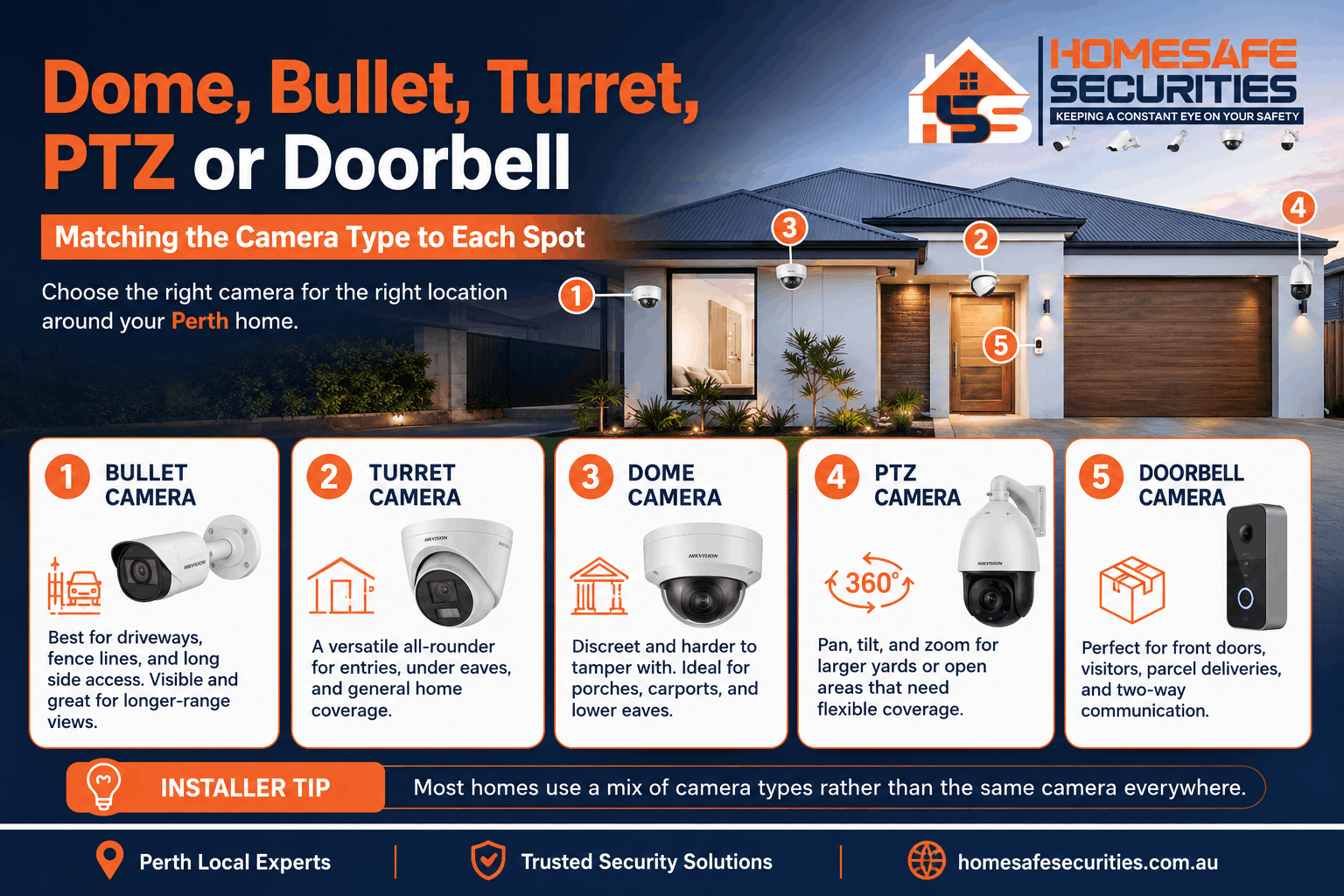
A camera’s shape changes how it covers an area, how visible it is, and how it copes with glare. Bullet cameras suit long views like driveways and fence lines; turret cameras are a tidy all-rounder for entries and eaves; domes are discreet and tough; a PTZ covers large open areas by moving and zooming; and a video doorbell handles the front door and parcels.
| Camera type | Known for | Best home use | Watch out for |
| Bullet | Long, visible body; good range; strong visible deterrent | Driveways, fence lines, long side access | Mount it high so it can’t be turned away |
| Turret (eyeball) | Compact; less internal IR glare than a dome | Entries, under eaves, general coverage | Few real downsides — a safe default |
| Dome | Discreet and harder to tamper with | Porches, carports, low eaves | The dome cover can pick up glare or grime |
| PTZ (pan-tilt-zoom) | Moves and zooms on command | Large yards and corner blocks | Can only point one way at a time |
| Video doorbell | Camera plus intercom at the door | Front entry, visitors, deliveries | Needs power, a chime and solid Wi-Fi |
Most homes use a combination — say, a doorbell at the entry, bullets watching the driveway and side access, and turrets covering the backyard. For a full breakdown of which areas of a home to prioritise and if you’d like to see and speak to whoever’s at the gate, our home intercom systems pair neatly with a doorbell setup.
Pro tip from our installers: mount cameras high enough to be out of arm’s reach, but angle them down so you capture faces rather than the tops of caps and hoods. Around 2.5 to 3 metres is usually the sweet spot — high enough to protect the camera, low enough to actually identify someone.
Which camera brands are worth considering in Perth
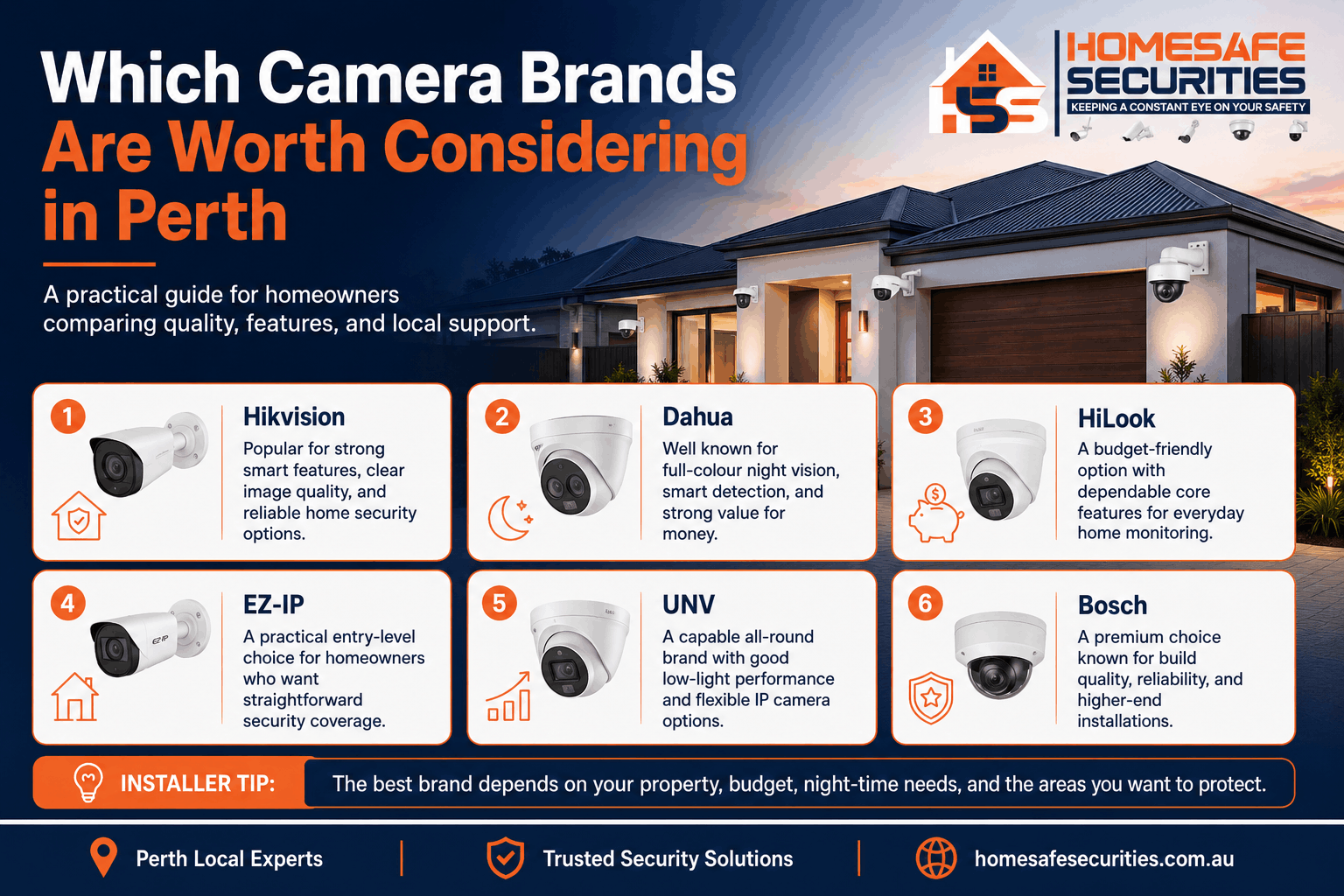
There’s no single “best” brand — the right one depends on your budget and what each camera needs to do. The brands we install most for Perth homes are Hikvision, Dahua, HiLook, EZ-IP, UNV and Bosch, which between them cover everything from value setups to premium systems. What matters more than the badge is buying from a range that’s properly supported locally.
| Brand | Generally known for | Often suits |
| Hikvision | A large global manufacturer with strong AI detection and colour night vision | Homeowners wanting top-tier features |
| Dahua | A major manufacturer with strong full-colour and smart detection | Excellent performance for the price |
| HiLook | Hikvision’s value range with reliable core features | Solid entry-to-mid budgets |
| EZ-IP | Budget-friendly and straightforward | Cost-conscious, no-frills coverage |
| UNV (Uniview) | Capable IP cameras with good low-light handling | A strong all-round alternative |
| Bosch | Premium build quality and reliability | Higher-end or more demanding installs |
A good installer will match the brand and model to each spot rather than selling you a box of identical cameras. If you’d like a recommendation for your specific property, the HomeSafe team can talk through the options — you can see what we install on our home CCTV camera installation page.
Common mistakes Perth homeowners make when buying cameras
The most common buying mistakes aren’t about spending too little — they’re about buying the wrong thing. Choosing on megapixels alone, ignoring night and weather performance, picking cheap grey-import gear with no local warranty, and mounting cameras where they only catch the top of someone’s head are the ones we see most often.
- Buying on megapixels alone. A big number on a small, cheap sensor can look worse at night than a lower-resolution camera with a better sensor.
- Forgetting night and weather. The footage you’ll need most is usually after dark or deep into a Perth summer — daytime demo clips tell you almost nothing about either.
- Cheap grey imports with no support. Bargain cameras from overseas sellers often come with no local warranty, no firmware updates, and no one to call when something fails.
- Poor placement. Even excellent cameras are wasted pointing at the top of a fence, straight into the western sun, or mounted too high to identify anyone.
- The wrong camera for the spot. One wide camera straining to cover an entire block, instead of the right type at each key point.
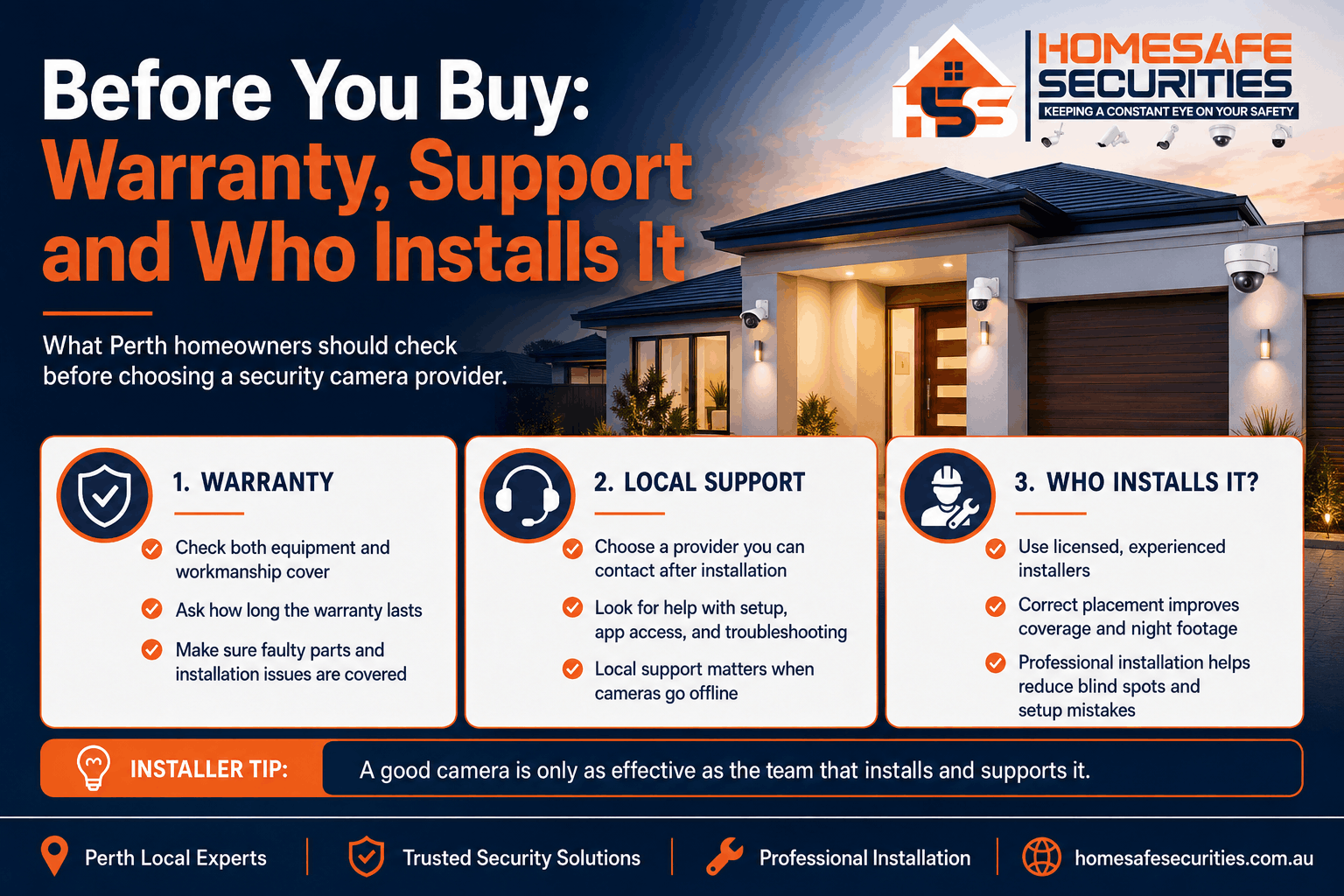
Before you buy: warranty, support and who installs it
Before you commit, look past the cameras to what stands behind them: a genuine warranty, local support, and a licensed installer who’ll position everything correctly. In Western Australia, security work should be carried out by licensed technicians, and cameras need to be placed so they don’t record a neighbour’s private areas without consent.
- Warranty and support. Check both the equipment warranty and a workmanship warranty on the installation — and that someone local can actually help if a camera drops offline down the track.
- Licensing and privacy. WA has rules around surveillance and privacy under the Surveillance Devices Act 1998. A licensed installer will position cameras to cover your property without intruding on the neighbours; our beginner’s guide covers the privacy side in more detail.
- DIY versus professional. A DIY kit can be fine for a simple setup, but getting placement, angles, weatherproofing and night performance right is where professional installation earns its keep. If you want the cameras positioned correctly from day one, professional security camera installation in Perth can help you avoid blind spots, poor angles and unreliable night footage.
- Budget. As a rough guide, professionally supplied-and-installed home camera systems in Perth start from around $1,250 and rise with camera count, resolution and storage. You can see current package pricing on our pricing page.
How Much Do Security Cameras Cost in Perth?
Security camera pricing depends on the camera brand, number of cameras, recorder size, storage capacity, property layout and installation requirements. At HomeSafe Securities, CCTV packages are supplied and installed, with options available from EZ-IP, HiLook, Dahua and Hikvision. All listed packages include cameras, NVR, surveillance hard drive, mobile app viewing, professional installation, system configuration, testing and basic user training.
| Brand | Package | Price Excl. GST | Includes |
| EZ-IP | 4 Camera Package, 6MP | $1,350 | 4 × EZ-IP 6MP cameras, 4-channel EZ-IP NVR, 2TB surveillance hard drive, mobile app viewing, professional installation, configuration, testing and basic user training |
| EZ-IP | 6 Camera Package, 6MP | $1,950 | 6 × EZ-IP 6MP cameras, 8-channel EZ-IP NVR, 4TB surveillance hard drive, mobile app viewing, professional installation, configuration, testing and basic user training |
| HiLook | 4 Camera Package, 6MP | $1,400 | 4 × HiLook 6MP cameras, 4-channel HiLook NVR, 2TB surveillance hard drive, mobile app viewing, professional installation, configuration, testing and basic user training |
| HiLook | 6 Camera Package, 6MP | $2,050 | 6 × HiLook 6MP cameras, 8-channel HiLook NVR, 4TB surveillance hard drive, mobile app viewing, professional installation, configuration, testing and basic user training |
| Dahua | 4 Camera Package, 6MP | $1,550 | 4 × Dahua 6MP cameras, 4-channel Dahua NVR, 2TB surveillance hard drive, mobile app viewing, professional installation, configuration, testing and basic user training |
| Dahua | 6 Camera Package, 6MP | $2,150 | 6 × Dahua 6MP cameras, 8-channel Dahua NVR, 4TB surveillance hard drive, mobile app viewing, professional installation, configuration, testing and basic user training |
| Hikvision | 4 Camera Package, 6MP | $2,150 | 4 × Hikvision 6MP cameras, 4-channel Hikvision NVR, 2TB surveillance hard drive, mobile app viewing, professional installation, configuration, testing and basic user training |
| Hikvision | 6 Camera Package, 6MP | $3,200 | 6 × Hikvision 6MP cameras, 8-channel Hikvision NVR, 4TB surveillance hard drive, mobile app viewing, professional installation, configuration, testing and basic user training |
For a smaller home, a 4-camera package may be enough to cover the front door, driveway, side access and backyard. For larger homes or properties with more entry points, a 6-camera package can provide wider coverage and fewer blind spots.
For current package details, visit the HomeSafe Securities pricing page:
https://homesafesecurities.com.au/our-pricing/
Why Choose HomeSafe Securities?
At HomeSafe Securities, we provide reliable security solutions designed to protect Perth homes and businesses with confidence.
- Local Perth Experts
We understand local homes, businesses, suburbs, property layouts and common security needs across Perth. - Tailored Security Solutions
We design systems around your property, budget and safety goals instead of offering one-size-fits-all packages. - Professional Installation
Our team installs CCTV cameras, alarms, intercoms and access control systems neatly, correctly and safely. - Quality Products
We use reliable security products from trusted brands to deliver clear performance and long-term protection. - Easy-to-Use Systems
We set up your system properly and show you how to use mobile viewing, alerts, playback and everyday features. - Honest Advice
We explain your options clearly and recommend what your property actually needs. - Ongoing Local Support
Our support does not stop after installation. We are here for help, upgrades and future advice. - Complete Peace of Mind
From planning to installation and handover, we help protect what matters most with confidence.
Choose HomeSafe Securities for practical advice, professional installation and dependable protection you can trust.
Frequently asked questions
What resolution do I need for home security cameras?
For most Perth homes, 4MP to 6MP is the sweet spot — clear enough to identify faces and vehicles without using excessive storage. Reserve 4K for wide areas like long driveways where you’ll need to zoom in, and keep 1080p for small, close, budget-sensitive spots.
Are 4K security cameras worth it for a home?
Only in the right place. 4K shines on wide, open areas where you want to zoom into detail afterwards, such as a long driveway or large backyard. For a typical front door or side gate, a good 4–6MP camera with strong night vision will serve you better and use far less storage.
What’s the difference between dome and bullet cameras?
Bullet cameras have a visible, longer body suited to longer-range views like driveways, and act as an obvious deterrent. Dome cameras are discreet, harder to tamper with, and sit neatly under eaves or on a porch. Many homes use both, choosing the shape to fit each location.
Do I need colour night vision, or is infrared enough?
Infrared (black-and-white) night vision is fine for detecting movement in total darkness. Colour night vision is better when you need to describe details like clothing or a car’s colour, which is why it’s popular for the front of the house. The best choice depends on the spot and your budget.
What IP rating do security cameras need in Perth?
Aim for IP66 or higher for exposed outdoor positions, given Perth’s heat, UV and, near the coast, salt air. IP65 can suit sheltered spots, while IP67 suits the most exposed positions. Build quality matters too, as cheap housings can fail after a couple of summers regardless of the rating.
How long do security cameras usually last?
A quality, well-installed camera typically lasts several years, though heat, UV and salt air shorten that for cheaper hardware. Choosing a proper weather rating, a corrosion-resistant housing near the coast, and mounting under eaves where possible all help extend a camera’s working life.
Final thoughts
The best security cameras for your Perth home aren’t the most expensive or the highest-megapixel — they’re the ones matched to each spot, built for Perth conditions, and backed by local support. Get the resolution, night vision, weather rating and camera type right at each location, and you’ll have footage that genuinely helps on the day you need it.
For trusted security cameras Perth homeowners can depend on, HomeSafe Securities can recommend and install a system matched to your property — from a single video doorbell to full CCTV camera systems Perth built for reliable coverage, clear footage and simple mobile access. If you’d like a hand choosing the right cameras for your home’s layout, your budget and the spots that matter most, book a free, no-obligation quote or call 0469 880 624.
By the HomeSafe Securities team — licensed security technicians serving homes across the Perth metropolitan area.